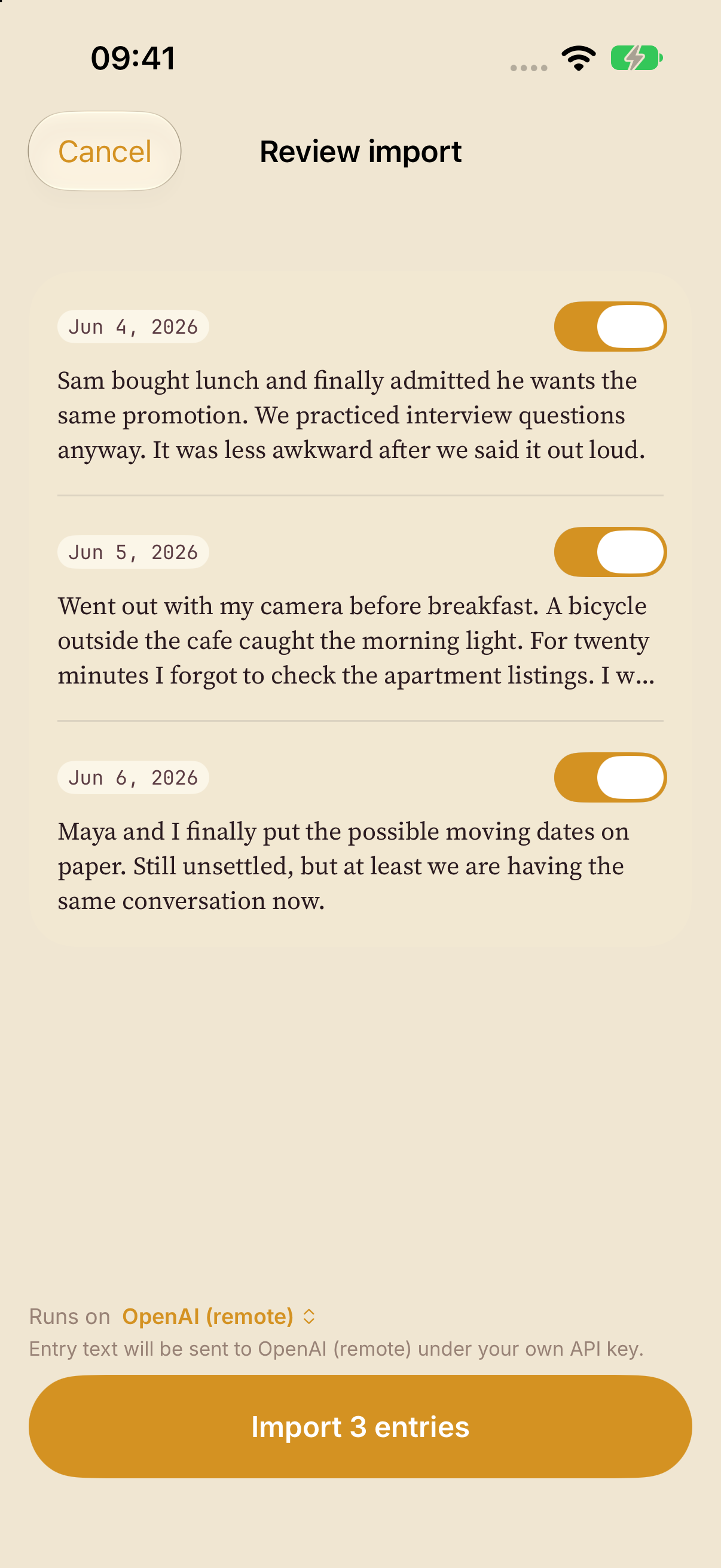
Review before importing
Everglow offers an entry review before import, with support for Markdown, plain text, folders and ZIP, plus CSV and JSON mapping. Check a small sample’s dates and text before committing to a larger migration.
Export readable Markdown
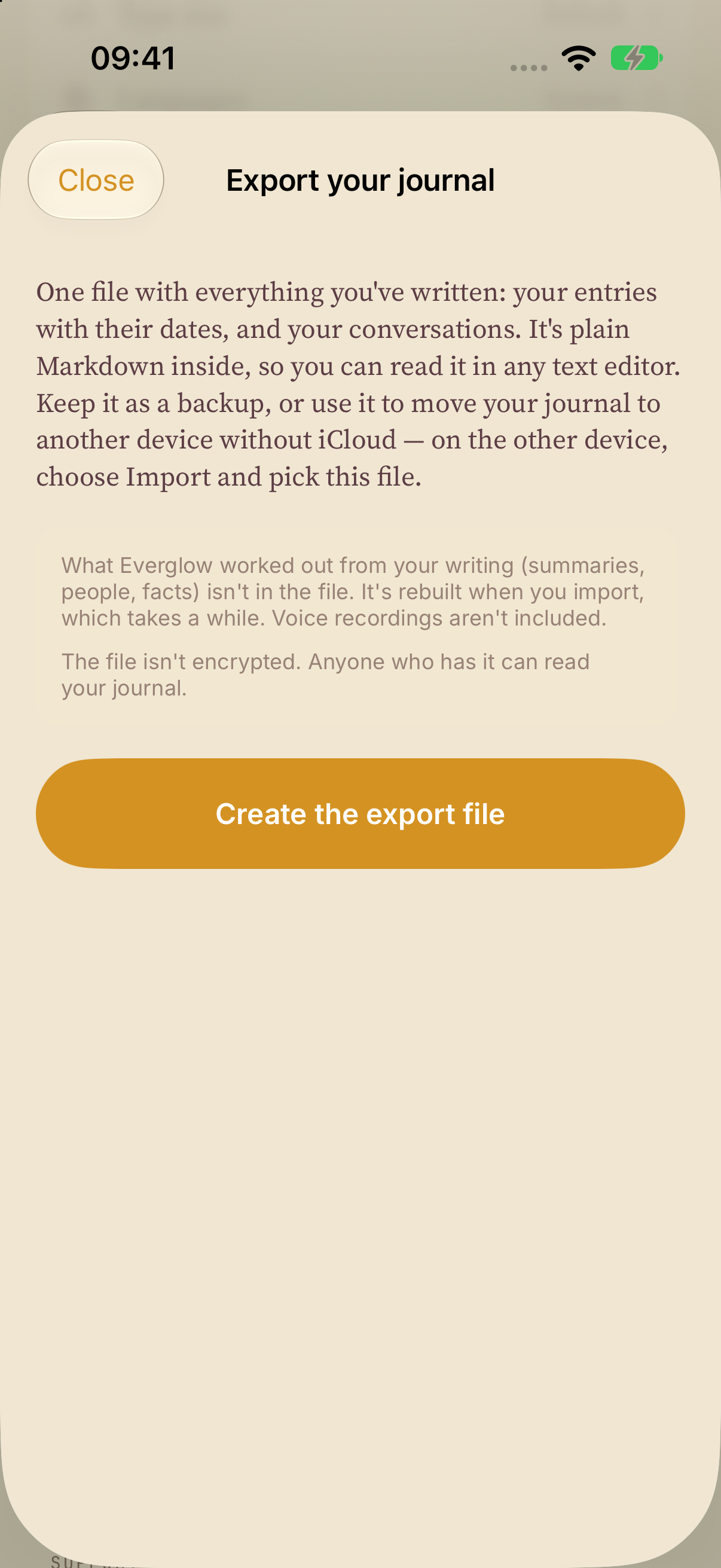
Export creates a ZIP containing dated original entries and conversations in Markdown, so you can read your words outside Everglow.
- Derived summaries, people and facts are rebuilt on import.
- Voice recordings are omitted.
- The exported file is unencrypted. Store it somewhere private.
Before moving an archive
Keep the source archive and a separate backup. A complete transfer of media, tags, titles or PDFs from another journal app is not assured. Compare sample entry counts, dates and text, and check the details that matter to you before moving everything.
Backup and export serve different jobs
Optional iCloud backup stores an app snapshot in your private CloudKit database for restore. Markdown export gives you readable writing outside the app. A snapshot backup is not continuous sync.
See Everglow on the App Store ↗